Convert Image to Text Online Free – Best OCR Tool for Fast Text Extraction
April 03, 2026
📌 Introduction
Have you ever needed to copy text from an image but didn’t want to type everything manually? It can be frustrating and time-consuming.
With an Image to Text OCR Tool, you can extract text from any image within seconds. Just upload your file and let the tool do the work for you — fast, simple, and efficient.
🤔 What Does Image to Text Mean?
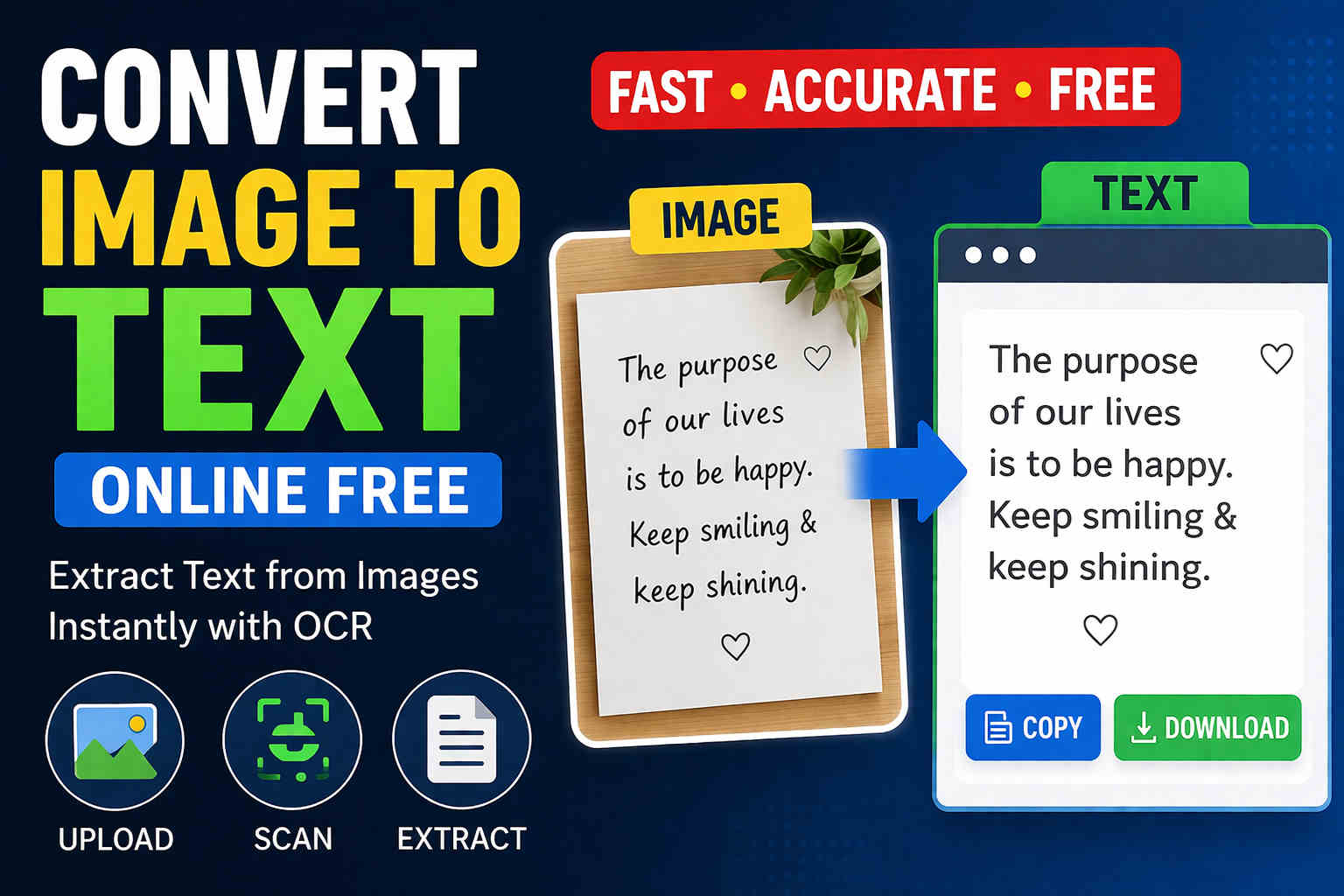
Image to Text conversion is powered by OCR (Optical Character Recognition) technology. It scans the text inside an image and converts it into editable digital content.
Process: Upload Image → Scan → Extract → Text Output
🚀 Why Use an Online OCR Tool?
- ⏱️ No need for manual typing
- ⚡ Instant and fast processing
- 🌐 Works directly in your browser
- 📱 Compatible with mobile and desktop
🛠️ How to Convert Image to Text
Follow these simple steps to get started:
👉 Step 1: Open the Tool
Go to odpoint.in and open the Image to Text OCR tool.
👉 Step 2: Upload Your Image
Click on Select Image and upload your file — photo, screenshot, or scanned document.
👉 Step 3: Start Conversion
Click on the Convert button to begin the process.
👉 Step 4: Extracted Text Appears
Within seconds, the tool scans your image and displays the extracted text on the screen.
👉 Step 5: Copy or Download
You can copy the text instantly or download it for later use.
💡 Where Can You Use This Tool?
- 📚 Convert notes into text
- 📸 Extract content from screenshots
- 🧾 Digitize printed documents
- ✍️ Reuse content for blogs or reports
⚡ Key Advantages
- ⏳ Saves time
- ✅ Accurate results
- 📱 Works on all devices
- 🌍 No installation required
🔥 Tips for Better Accuracy
- 📸 Use high-quality images
- 📝 Keep text clear and readable
- 🌞 Ensure proper lighting
- 🔍 Avoid blurry images
🔐 Is It Safe?
Yes 👍 Your data is processed securely and not stored unnecessarily.
❓ Frequently Asked Questions (FAQ)
1. Can I convert any image into text?
Yes, if the text in the image is clear and readable.
2. Is this OCR tool free?
Yes, it is completely free to use.
3. Does it work on mobile devices?
Yes, it works smoothly on both mobile and desktop.
4. How accurate is the OCR result?
Accuracy depends on image quality. Clear images provide better results.
📌 Conclusion
If you want a fast and simple way to extract text from images, the Image to Text OCR Tool is the perfect solution.
Save time, reduce effort, and work smarter by converting images into text instantly.
🔗 Related Tools