PDF Compress Kaise Kare Online Free (Fast & Easy Method Without Quality Loss)
April 01, 2026
📌 Introduction
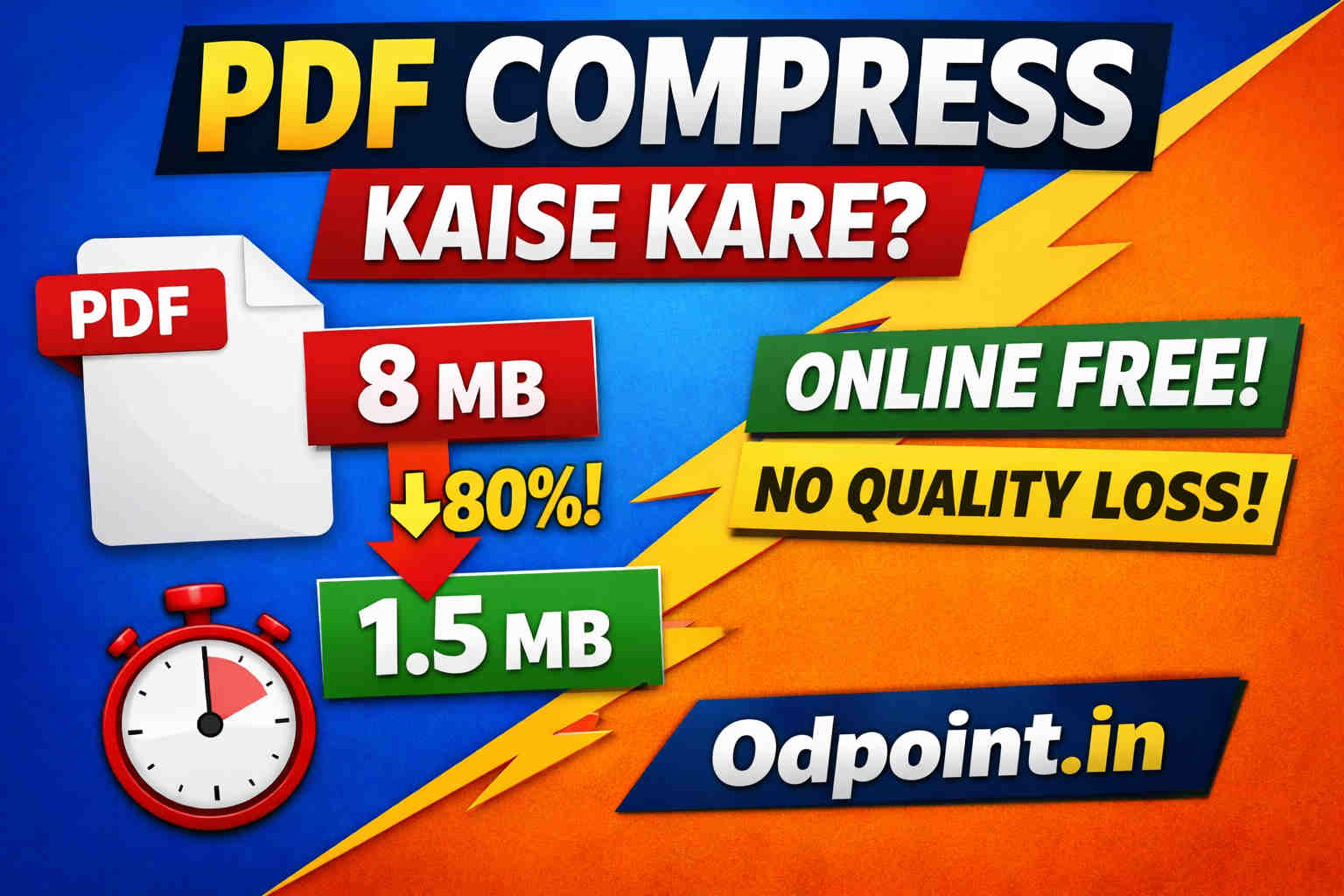
Aaj ke digital time me PDF files ka use bahut fast grow kar raha hai — chahe aap student ho, office work karte ho ya online documents submit karte ho. Lekin problem tab aati hai jab PDF file ka size bahut bada ho jata hai aur use upload ya share karna mushkil ho jata hai. Agar aap janana chahte hain PDF compress kaise kare online free, to is article me maine aapko ek simple, fast aur effective method bataya hai, jisse aap apni PDF file ko easily compress kar sakte hain bina noticeable quality loss ke.
Agar aap directly PDF compress karna chahte hain, to aap PDF Compressor Tool ka use kar sakte hain jisse aap instantly apni file size kam kar sakte hain.
🎥 Video Tutorial (Watch & Learn)
👉 Yadi aapko PDF Compress karne mein kisi bhi prakar se problem ho to aap mere dwara neeche di gayi video ko dekh sakte hai, jisame pura process step-by-step bataya gaya hai ki pdf compress kaise karte hai
📉 PDF Compress Karna Kyun Important Hai?
- Large PDF files email me send nahi hoti
- Online forms me upload limit hoti hai
- Website loading slow ho jati hai
- Mobile storage jaldi fill ho jata hai
- WhatsApp ya Telegram par share karna mushkil hota hai
👉 In sab problems ka ek hi solution hai: PDF Compression
🚀 Online PDF Compress Kaise Kare (Step-by-Step Guide)
🔹 Step 1: Browser Open Kare
Apne mobile ya computer me Chrome, Edge ya koi bhi browser open kare.
🔹 Step 2: ODPOINT Website Visit Kare
Google par search kare: ODPOINT PDF Compressor Tool aur website open kare.
🔹 Step 3: PDF File Upload Kare
- “Select File” button par click kare
- Apni PDF file choose kare
- Upload hone ke baad file size show hoga
🔹 Step 4: Target Size Choose Kare
Aapko decide karna hai ki aapko PDF kitni size me chahiye.
Example:
- Original file: 10 MB
- Target size: 4 MB
🔹 Step 5: Compress Button Par Click Kare
“Compress” button par click kare aur kuch seconds wait kare.
🔹 Step 6: Download Compressed File
“Download File” button par click karke apni compressed PDF download kare.
👉 Result Example: 10 MB → 3 MB (quality almost same)
Agar aap multiple images ko ek file me convert karna chahte hain, to JPG to PDF Converter aapke liye best option hai.
Waise hi, agar aapko multiple PDF files ko ek document me combine karna hai, to aap PDF Merge Tool ka use kar sakte hain.
📊 Compression Ke Baad Quality Kaisi Rehti Hai?
- Text bilkul clear aur readable rehta hai
- Images me slight compression hota hai lekin noticeable nahi hota
- PDF ka layout same rehta hai
- Print quality bhi mostly safe rehti hai
👉 Matlab: Best balance between size & quality
⭐ ODPOINT PDF Compressor Features
- ✔️ 100% Free tool
- ✔️ No sign-up required
- ✔️ Fast processing (few seconds)
- ✔️ Secure file upload
- ✔️ Minimal quality loss
- ✔️ Mobile & Desktop friendly
Agar aap images ki size bhi reduce karna chahte hain, to Image Compressor Tool ka use kare.
💡 Pro Tips (Better Compression Ke Liye)
- Bahut zyada low target size set na kare (quality degrade ho sakti hai)
- High-quality original file use kare
- Scanned PDF me zyada compression possible hota hai
- Images wali PDF me size easily reduce hota hai
- Important documents me medium compression choose kare
⚠️ Common Mistakes Jo Log Karte Hain
- Bahut zyada compression karna
- Low-quality scan use karna
- Random unknown tools use karna
- File upload ke baad verify na karna
❓ FAQ (Frequently Asked Questions)
Q1: Kya PDF compress karne se quality kharab hoti hai?
👉 Nahi, agar aap trusted tool use karte hain to quality me bahut kam difference aata hai.
Q2: Kya ye tool free hai?
👉 Haan, ODPOINT ka PDF Compressor tool bilkul free hai.
Q3: Kya mobile se bhi use kar sakte hain?
👉 Haan, aap mobile browser se bhi easily use kar sakte hain.
Q4: Kya files safe rehti hain?
👉 Haan, aapki files secure rehti hain aur kisi ke saath share nahi hoti.
Q5: Kitni size tak compress kar sakte hain?
👉 Ye depend karta hai original file par, lekin normally 50%–80% tak size reduce ho jata hai.
🔗 Related Tools & Guides
- 👉 PDF Compressor Tool – PDF size kam kare instantly
- 👉 JPG to PDF Converter – Images ko PDF me convert kare
- 👉 PDF Merge Tool – Multiple PDFs ko ek file me jode
- 👉 Image Compressor – Image size reduce kare
- 👉 Passport Photo Maker – Passport size photo banaye
- 👉 Image to Text Tool – OCR se text extract kare
- 👉 PDF Merge Kaise Kare – Full guide
🏁 Conclusion
Ab aap clearly samajh gaye hain ki PDF compress kaise kare online free. ODPOINT ka PDF Compressor tool use karke aap apni large files ko sirf kuch seconds me chhoti size me convert kar sakte hain — bina quality loss ke. 👉 Agar ye guide helpful lagi ho to ise apne doston ke saath zaroor share kare aur apni daily work process ko fast banaye.